Warnings before signing
Warnings before signing
Before signing, Autogram checks the document and the signatures it already has. When something is not right, it warns you and leaves the decision to you. A warning is not an error, but something you should notice.
The document cannot be displayed
Autogram cannot display some file types, such as Word documents or Excel spreadsheets. Instead of the preview, you see a warning.
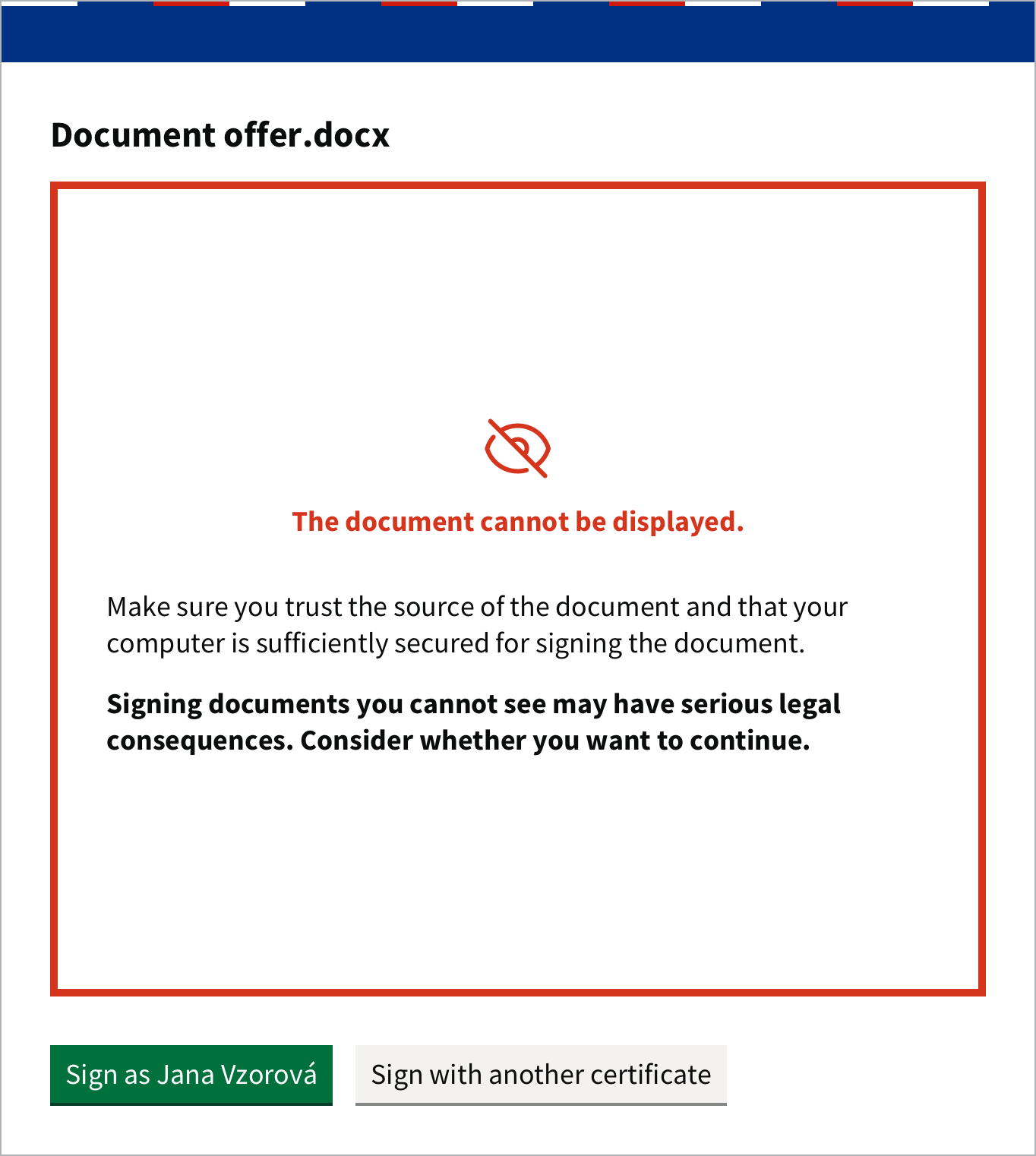
Sign such a document only if you know its content and trust its source. If possible, save it as a PDF and sign the PDF. Which files Autogram can display is listed in Formats and signature types.
The document contains untrusted signatures
If the document already has a signature that is invalid or cannot be verified, Autogram warns you after you click Sign.
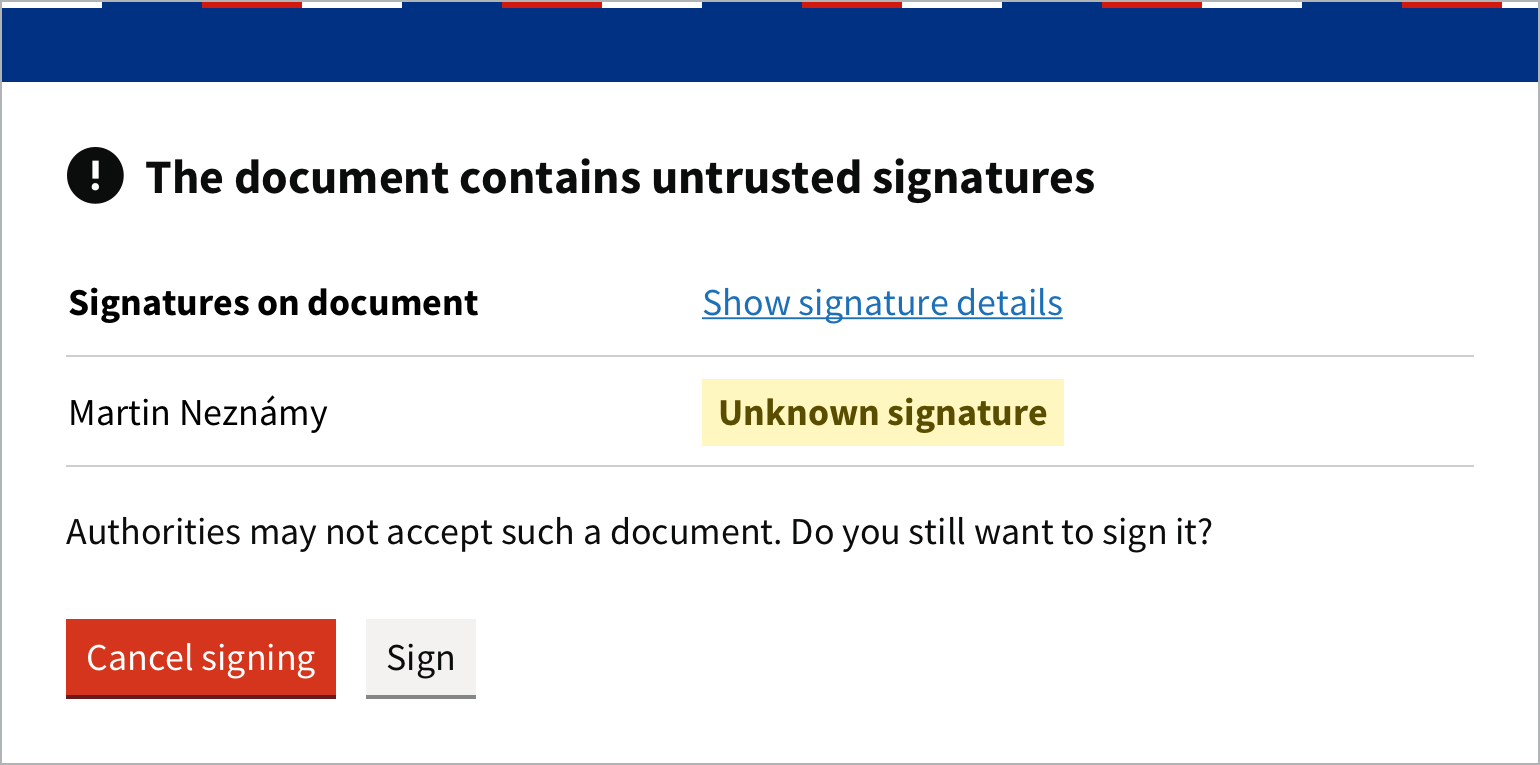
Authorities may not accept such a document. Show signature details shows the signatures in detail. Then decide:
- Cancel signing: you do not sign the document,
- Sign: you sign the document anyway.
What the validation results mean is explained in Verifying signatures. You can turn this warning off in Settings with Signature validity check.
Existing signatures have not been validated yet
If you click Sign before Autogram finishes validating the signatures on the document, it asks whether you want to sign it anyway. If you are not sure, click Cancel signing, wait for the validation result and sign again.
The document is not in PDF/A format
PDF/A is a version of the PDF format intended for long-term archiving. Some authorities accept only documents in this format. If the PDF you are signing is not PDF/A, Autogram warns you.
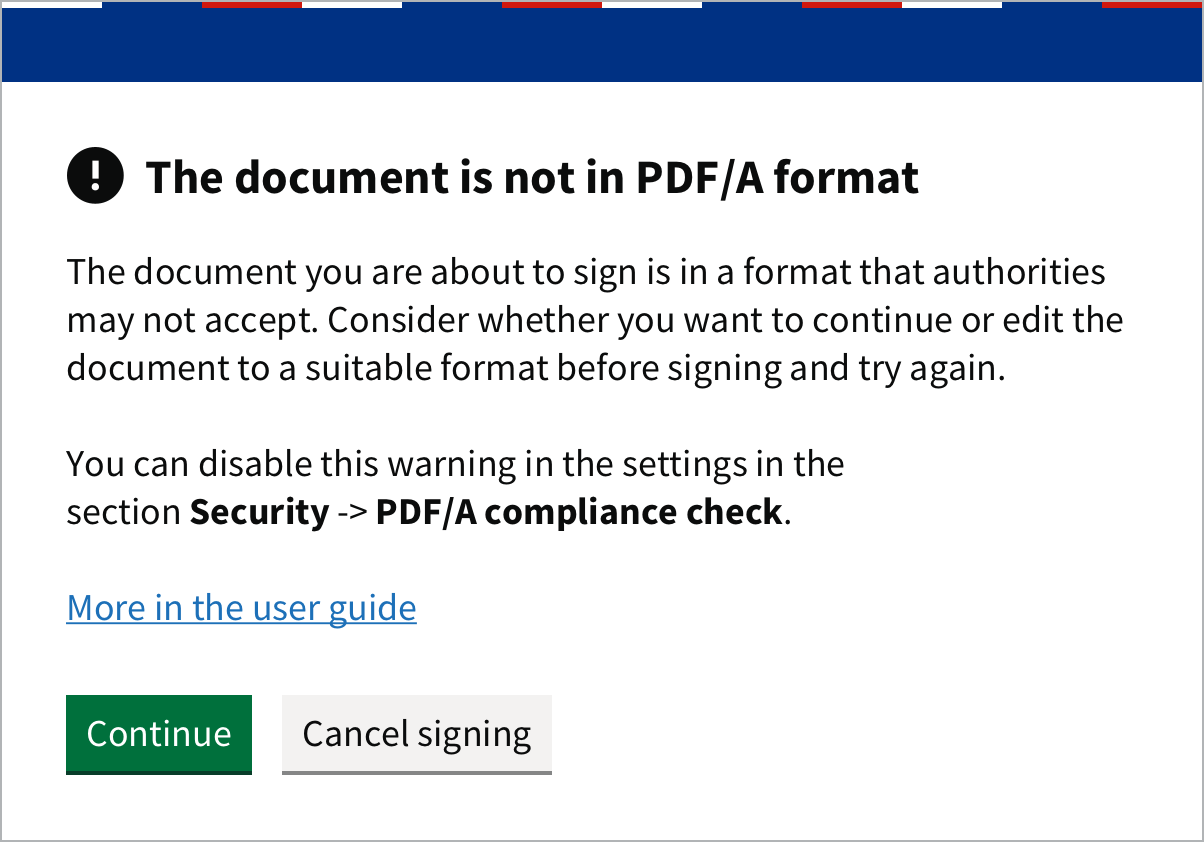
- Continue: you sign the document as it is,
- Cancel signing: you can first save the document as PDF/A (most word processors can do so when exporting to PDF) and then sign it.
If you do not need PDF/A, turn the warning off in Settings with PDF/A compliance check.
Signatures are not the same across all documents
This warning appears for an ASiC-E container with several documents when a signature does not cover all of them. See Several documents in one container.